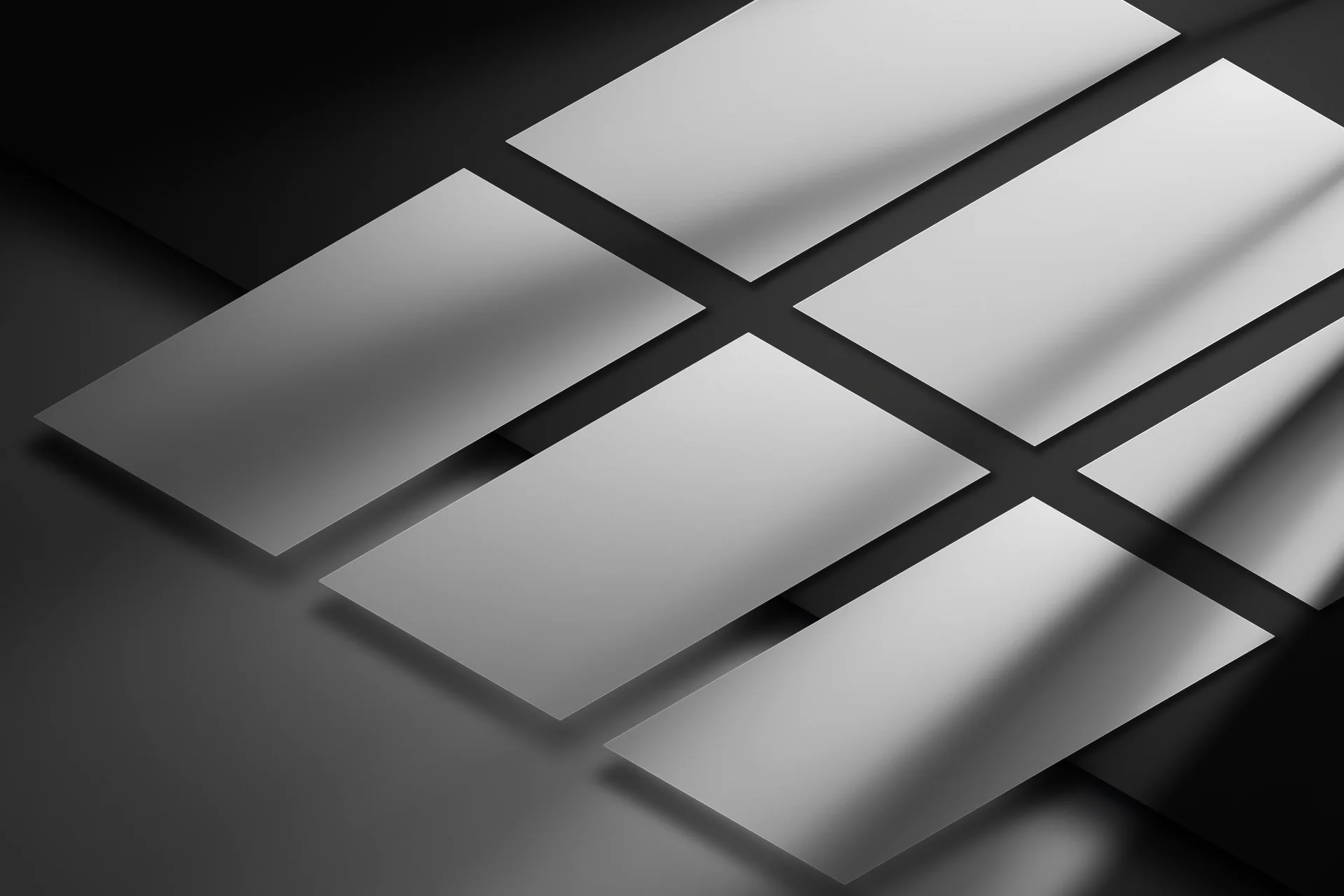
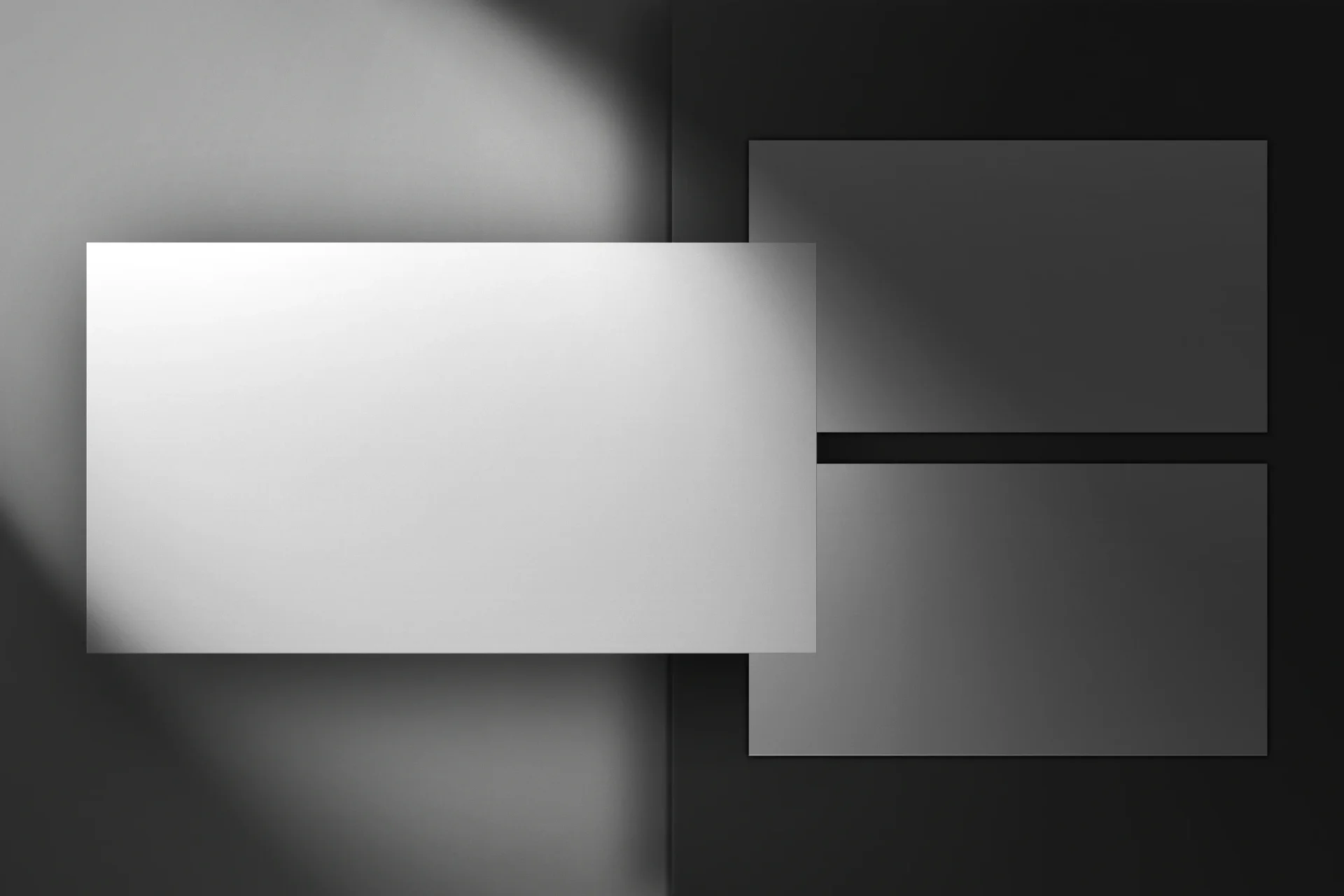
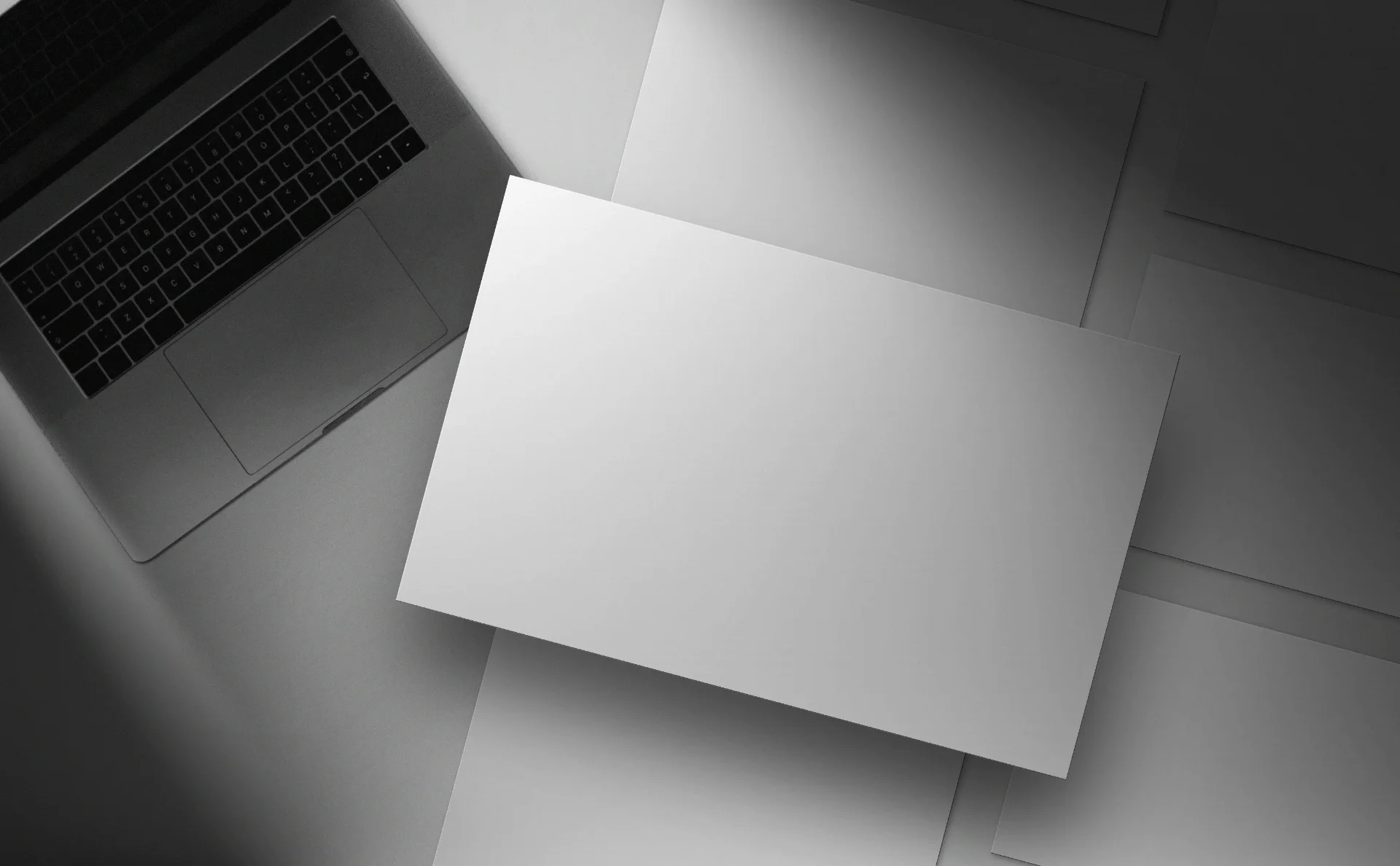
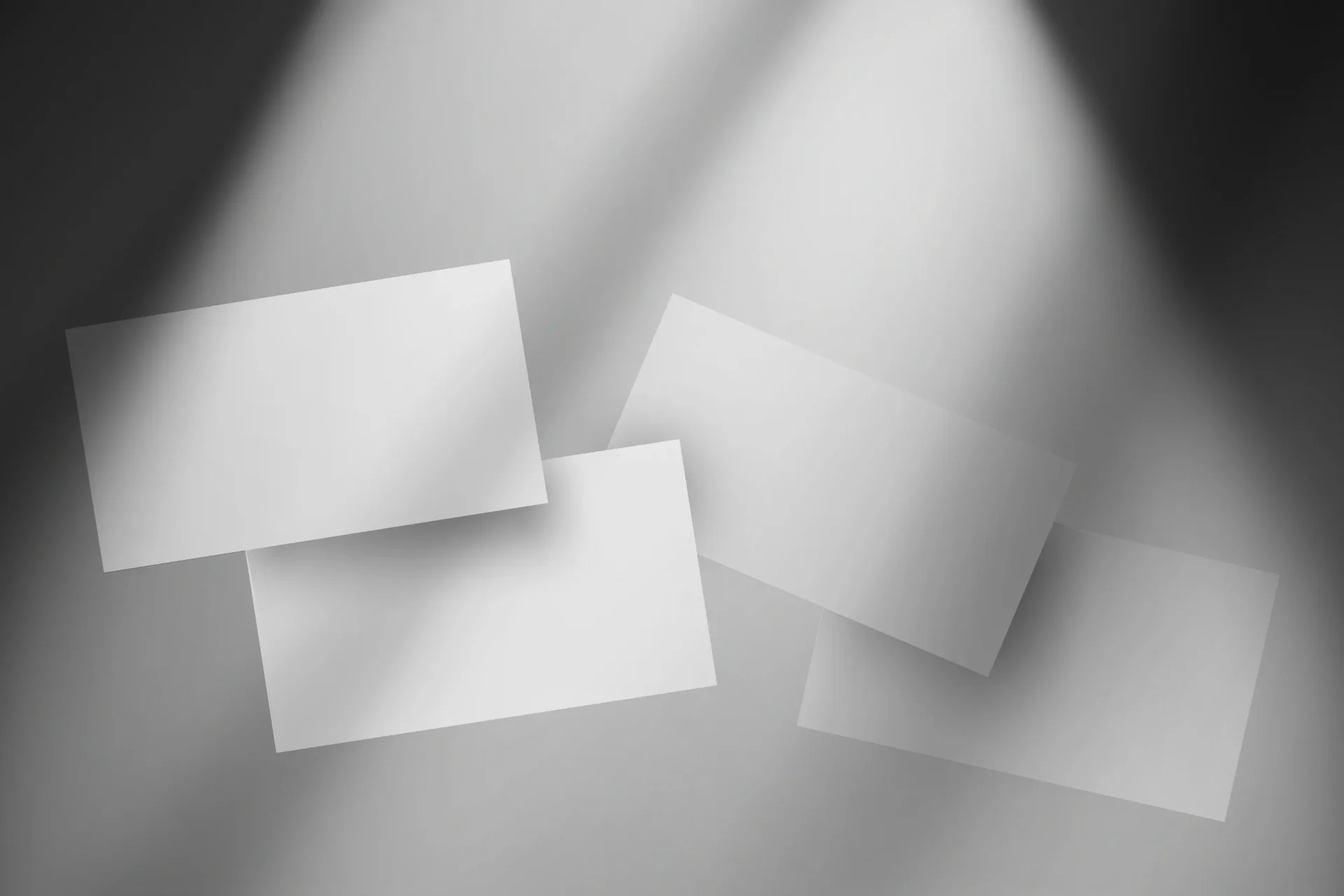
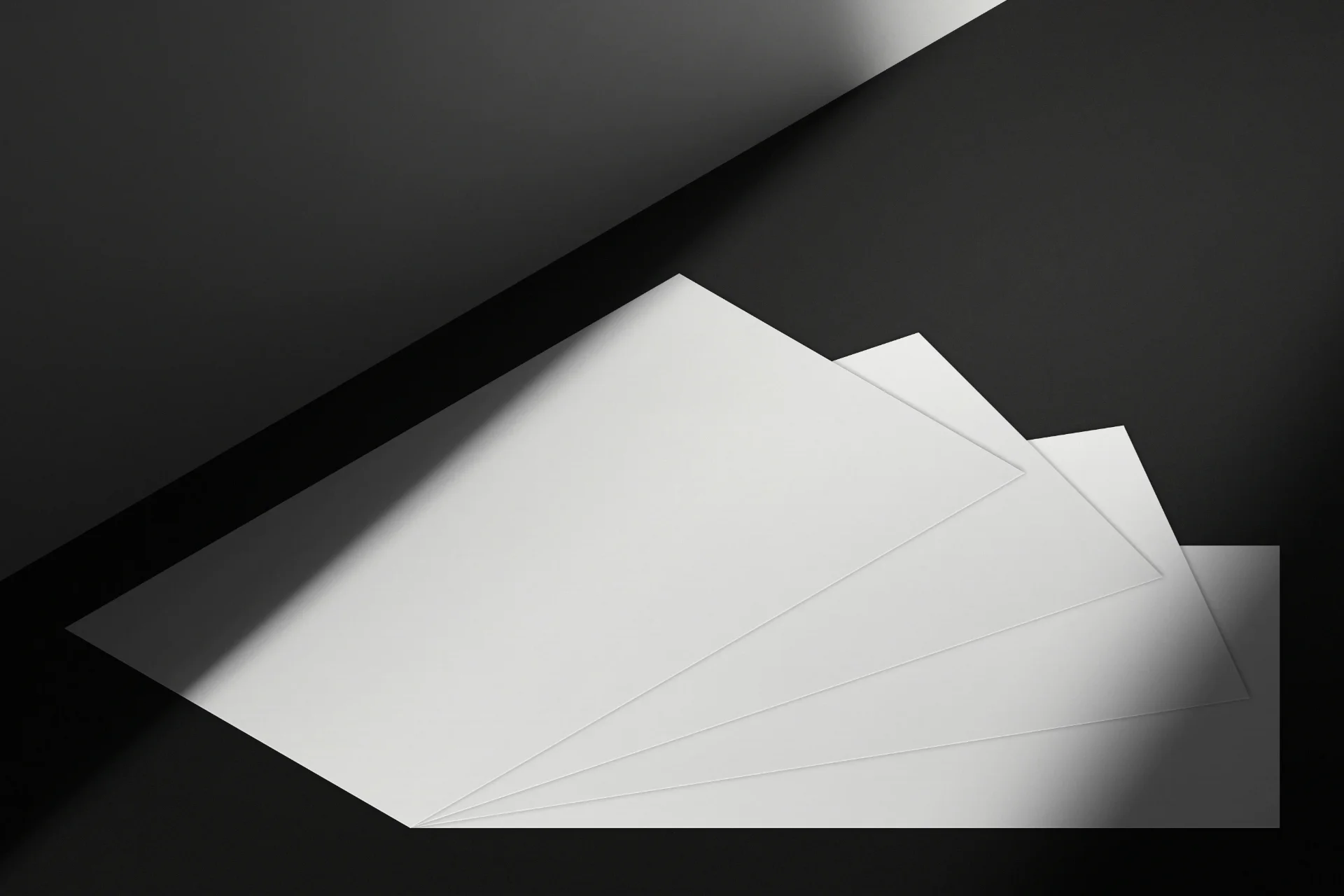
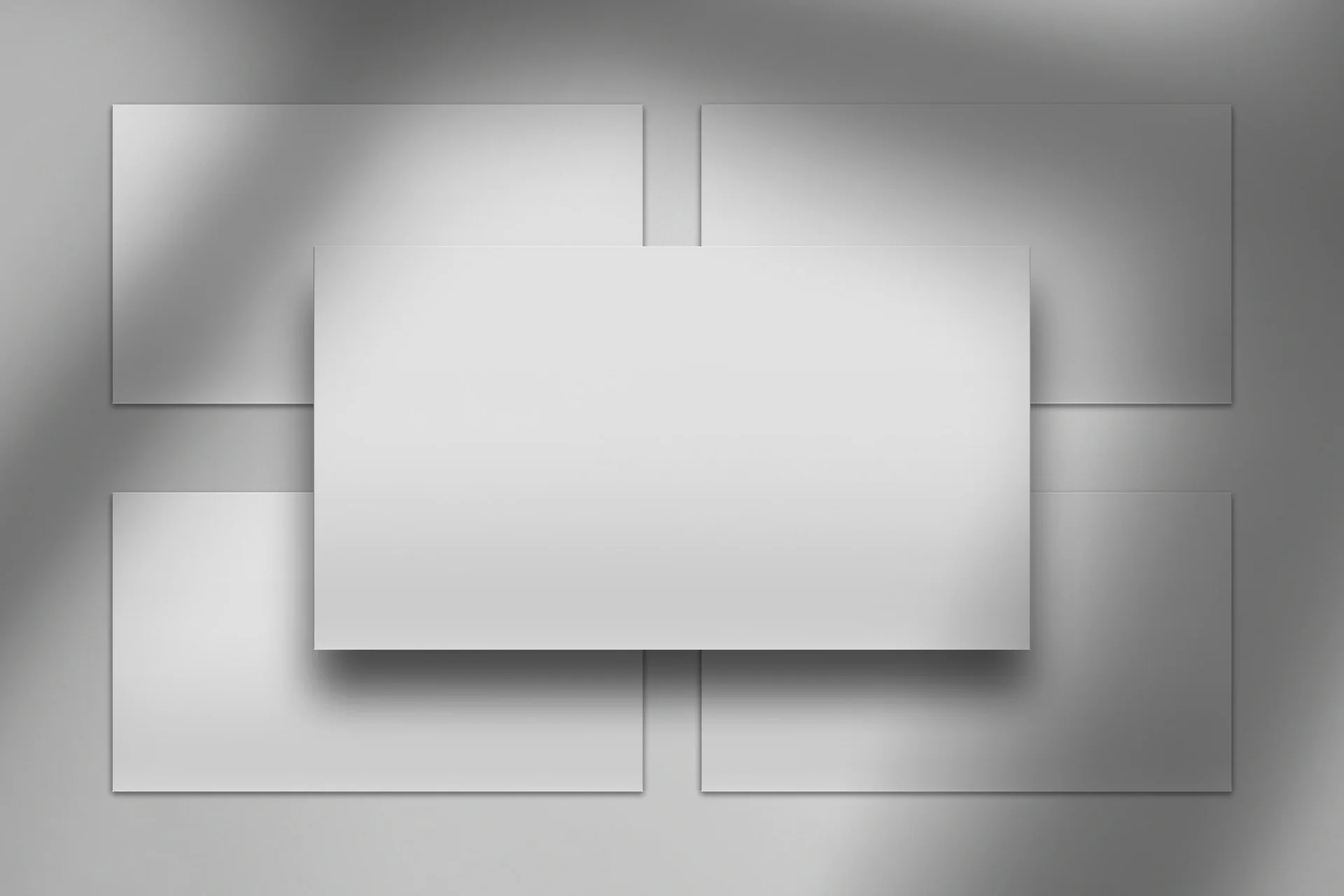
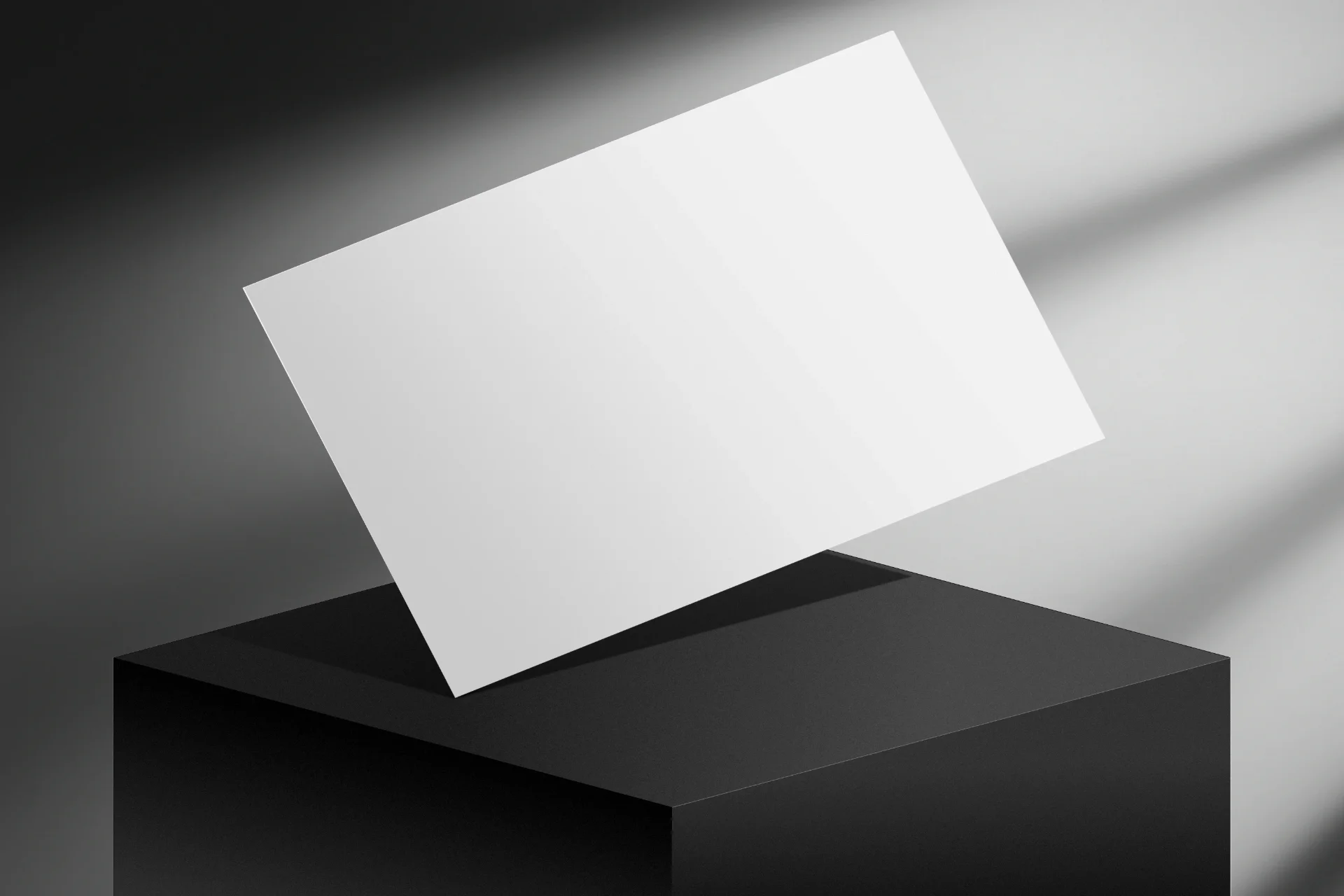
A presentation mockup that finally looks like editorial design.
Most presentation mockups fall into the same trap: flat white backgrounds, clean corporate lighting and zero personality. They make your work look generic — even when it isn't.
This pack is different.
Seven presentation mockup scenes, each with intense directional light and well-defined cinematic shadows. With an editorial aesthetic and magazine-inspired execution, they were built to give your presentations the atmosphere and depth they deserve.
Drop your slide into the placeholder. Save. Export. Done.
What's included
- 7 high-resolution presentation mockup scenes
- Native Affinity file (.af) for Affinity Publisher v3
- Editable placeholders — swap the slide in a single step
- Editable background colours, shadow intensity and overlays
- 3000 × 2000 px, 300 DPI, RGB
- Quick-start guide in PDF
- Delivered as five separate ZIP files
Who this pack is for
- Freelance designers pitching decks or proposals to clients
- Studios presenting visual identities and case studies
- Presentation designers building portfolios for Behance or Dribbble
- Presentation template sellers on Etsy who need cinematic imagery for their listings
- Anyone tired of white, characterless mockups
How it works
- Extract the ZIP files
- Open the .af file in Affinity Publisher v3 (Affinity by Canva)
- In the Layers panel, expand the "Placements" group
- Click the white placeholder for the scene you want to use
- Paste in your slide design — it fits the frame automatically
- Save and export as JPG or PNG
Every layer is editable. Change background colours in the "Background" group. Adjust shadow softness in the "Shadows" group. Reduce overlay opacity for a flatter result.
The file is yours — edit it as you like.
Compatibility — read before buying
- For Affinity Publisher v3 (Affinity by Canva) — free for macOS and Windows since October 2025
- Native .af format — NOT compatible with Affinity v2 (.afphoto / .afpub) or Adobe Photoshop (.psd)
- PSD and Affinity v2 versions coming soon
Licence
- Personal and commercial use
- May be used in client work, portfolio projects, product imagery and marketing materials
- Reselling or redistributing the mockup files themselves is not permitted
- Including the files in template packs for resale is not permitted
Made in Torres Novas by Matilde, a digital designer working with editorially minded studios and independent creators worldwide.